



FAQs
Our dedicated support team is committed to helping you get the most out of RouteEye™. Whether you need technical assistance, product guidance, troubleshooting, or help with your account, we’re here to provide timely and reliable support. Browse our FAQs, explore helpful resources, or reach out to our team—we’re always ready to assist you.
You can register your organization by clicking on Get Started button or Start Tracking Button on home page of this website. Once you send the request by filling the registration form, our representative will reach out to you for further process.
There are 3 plans, and you may see the features included in each plan by going to Pricing page. If you need a custom selection of features apart from existing plan, please reach out to us and we will help you with that.
Yes, RouteEye is capable of handling multiple work-sites for any organization.
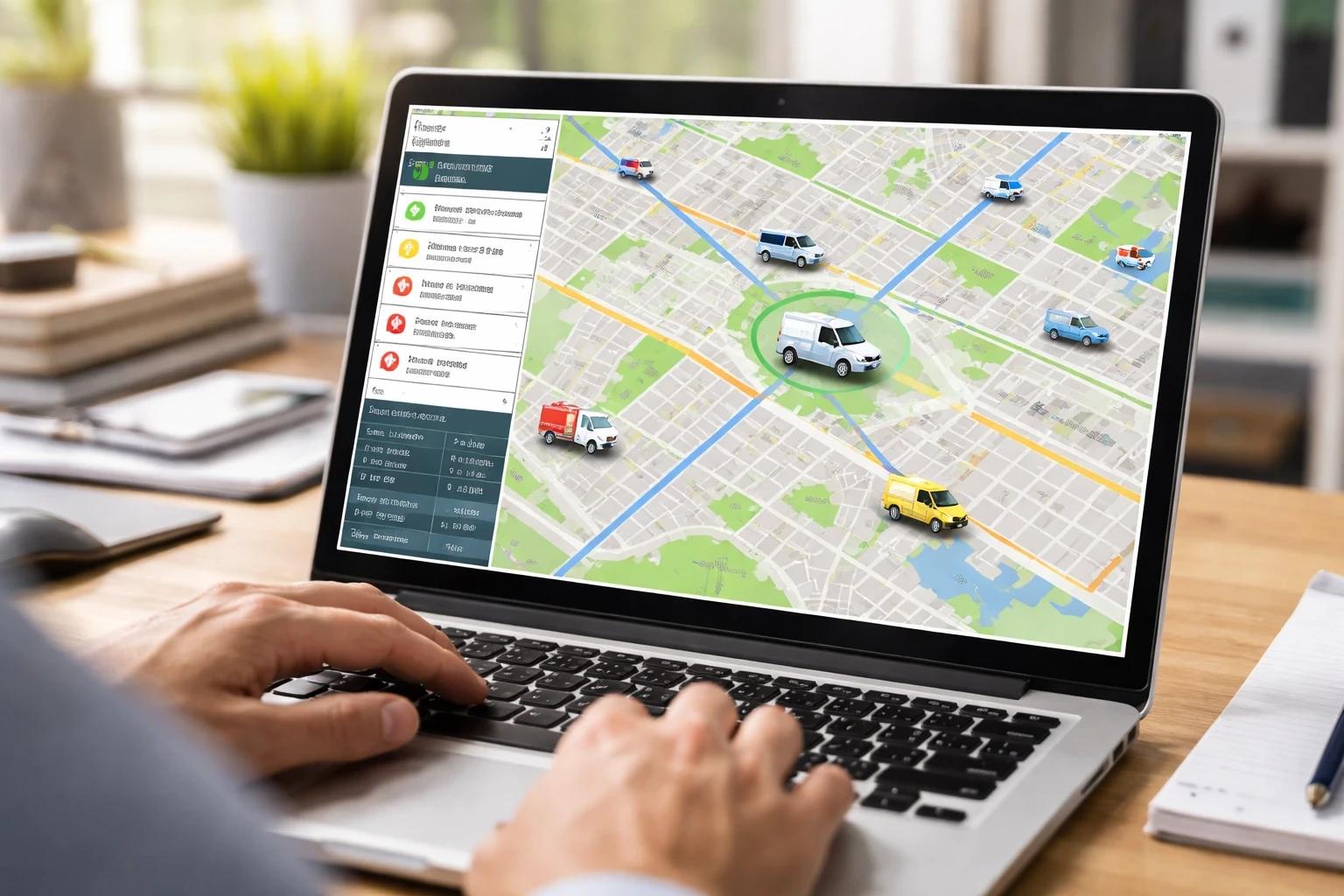
Yes, apart from having a web based admin dashboard, RouteEye also has the capability to display real-time vehicle data on a display screen at stops.
Yes, you may define your work-site boundary in any random shape. This also helps in opting for anomaly detection if you want to restrict any vehicle going out of the defined boundary
Some of the the alerts that RouteEye supports are vehicle speed, being idle for more than expected time, wrong direction, running behind schedule, service due date, insurance due date, driving license expiry etc. For more details, please visit Features page.
The RouteEye system is securely built with role based access. The organizations have complete control control over creating the roles and defining their access as per their internal requirement.
Our plans comes with 1 year free warranty and support. Post which AMC starts.
Yes, RouteEye can be integrated with any display devices including TV screen at stops.
Yes, RouteEye’s web based admin panel is powered with 100% mobile friendly display. Even if you do not have the mobile app in your plan, you may still access the admin dashboard from anywhere using your mobile browser.
RouteEye™ serves industries including Airport, logistics, school & colleges, ports, construction, manufacturing, corporate transport, municipalities, and more with intelligent fleet and asset management solutions.
RouteEye™ supports a wide range of IoT sensors, including temperature, humidity, fuel, pressure, vibration, smoke, battery voltage, GPS, engine, tire pressure, door, gas leakage, water level, and other custom sensors based on operational needs.
Yes, RouteEye™ supports multilingual announcements, allowing users to receive audio and text notifications in their preferred language.
Yes, RouteEye™ continuously monitors fuel levels and sends alerts for low fuel or abnormal consumption.
Yes, RouteEye instantly sends notifications whenever a sensor detects abnormal values or predefined thresholds are exceeded.
Yes, RouteEye’s Trip Replay feature lets you review completed trips with the vehicle’s route, stops, speed, and timestamps for analysis and auditing.
Yes, RouteEye supports real-time tracking of vehicles, equipment, and valuable assets.
Chat Support
KalravAI
Redefining Human-AI Collaboration
24/7 AI-Powered Support
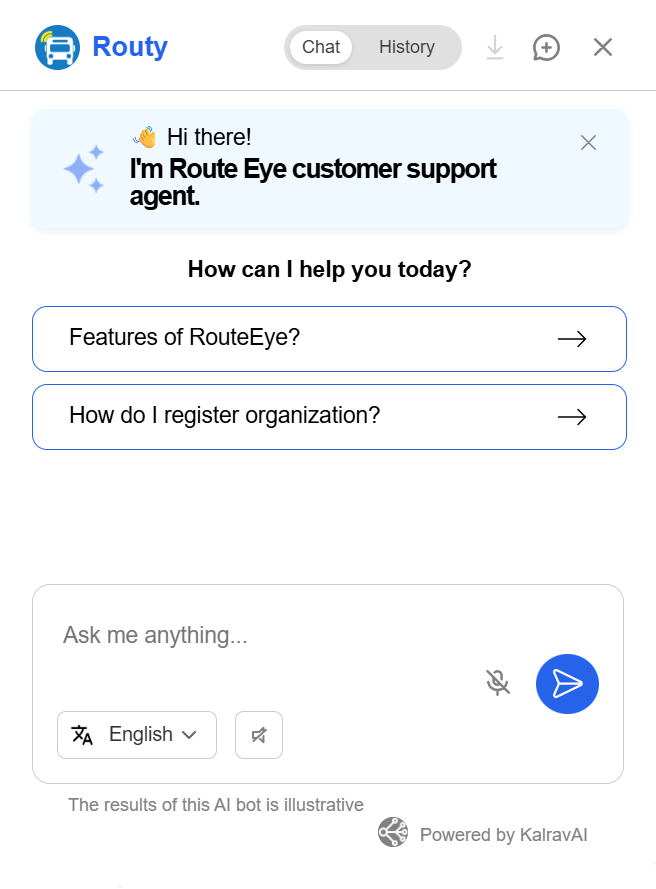
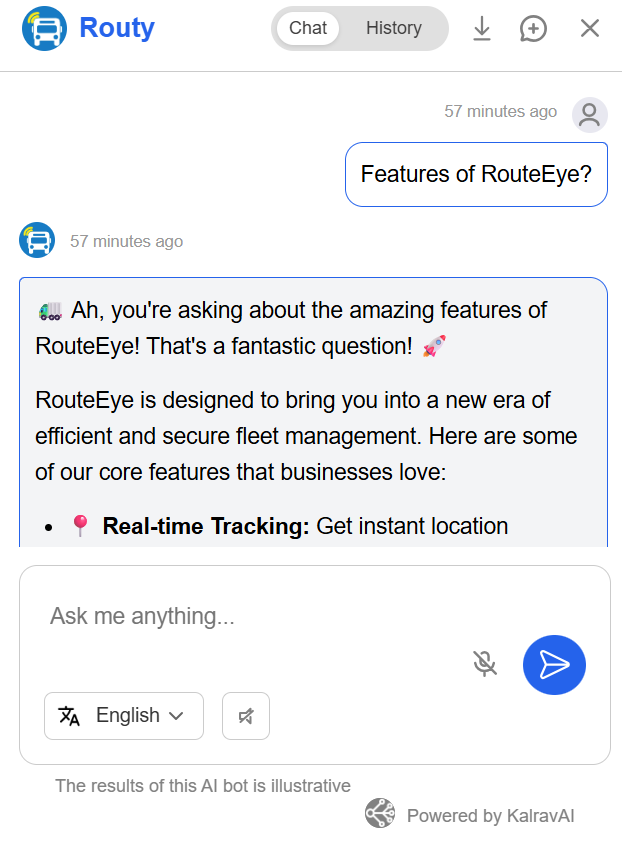
Connect with KalravAI for instant responses to your RouteEye™ queries. From onboarding and platform navigation to technical guidance, KalravAI helps you find the information you need in seconds.
Get Instant Help with KalravAI
Need answers quickly? Chat with KalravAI, our intelligent virtual assistant, to get instant support for RouteEye™. Find answers to common questions, explore features, troubleshoot issues, and access helpful resources—anytime, 24/7.
Still Have Questions?
Can’t find the answer you’re looking for? Our team is here to help. Contact us for product information, technical assistance, or a personalized RouteEye™ demo.
